Additional Report Details
Some report types have options for controlling the display of additional lists (sub-reports to each of the main records). This is more common with the Individual Record style reports showing other records associated with the main record.
The Parameters panel includes fields for each of these optional data types. Select Yes if the data item is to included in the report, or No to leave it out.
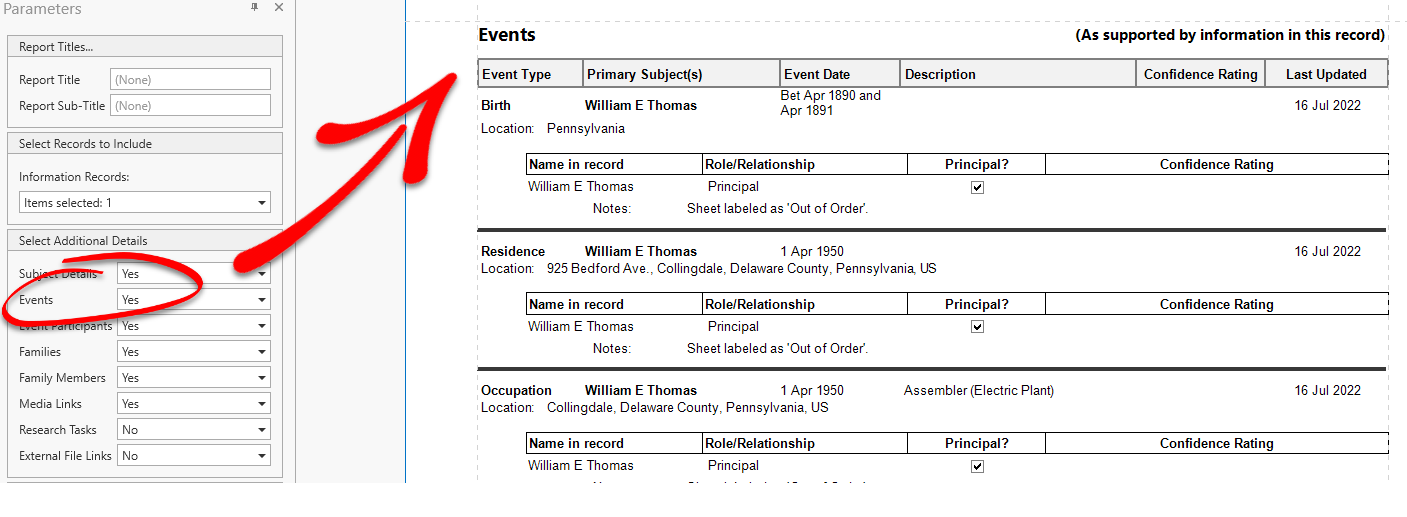
The selection last made (Yes/No) for each data type will be used again the next time a report of that same type is requested.
This setting can be changed at any time the report is being viewed by selecting a different choice and clicking the Submit button in the Parameters panel.