View Control
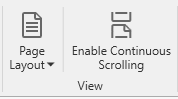 The Page Layout button drops down a menu giving you a choice of how many report pages to display in the viewer at one time.
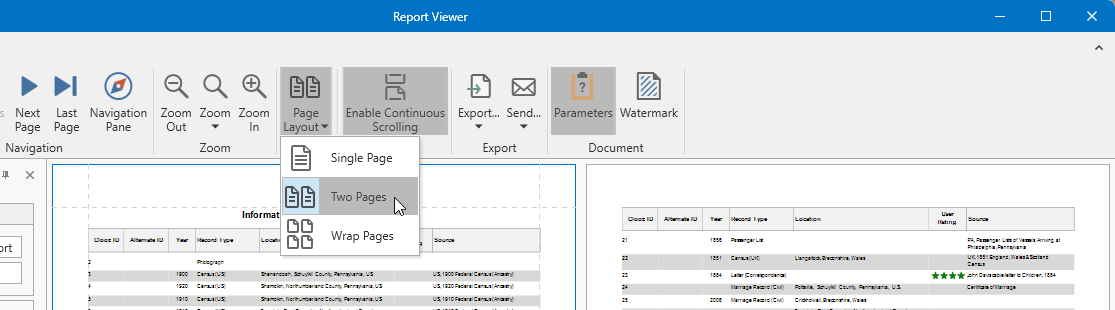
The Enable Continuous Scrolling button toggles the scrolling to either be continuous (page breaks smoothly scroll through the display), or when disabled, scrolling will jump to the top of the next page once the bottom of the page being scrolled becomes visible. The Enable Continuous Scrolling button is highlighted when enabled.