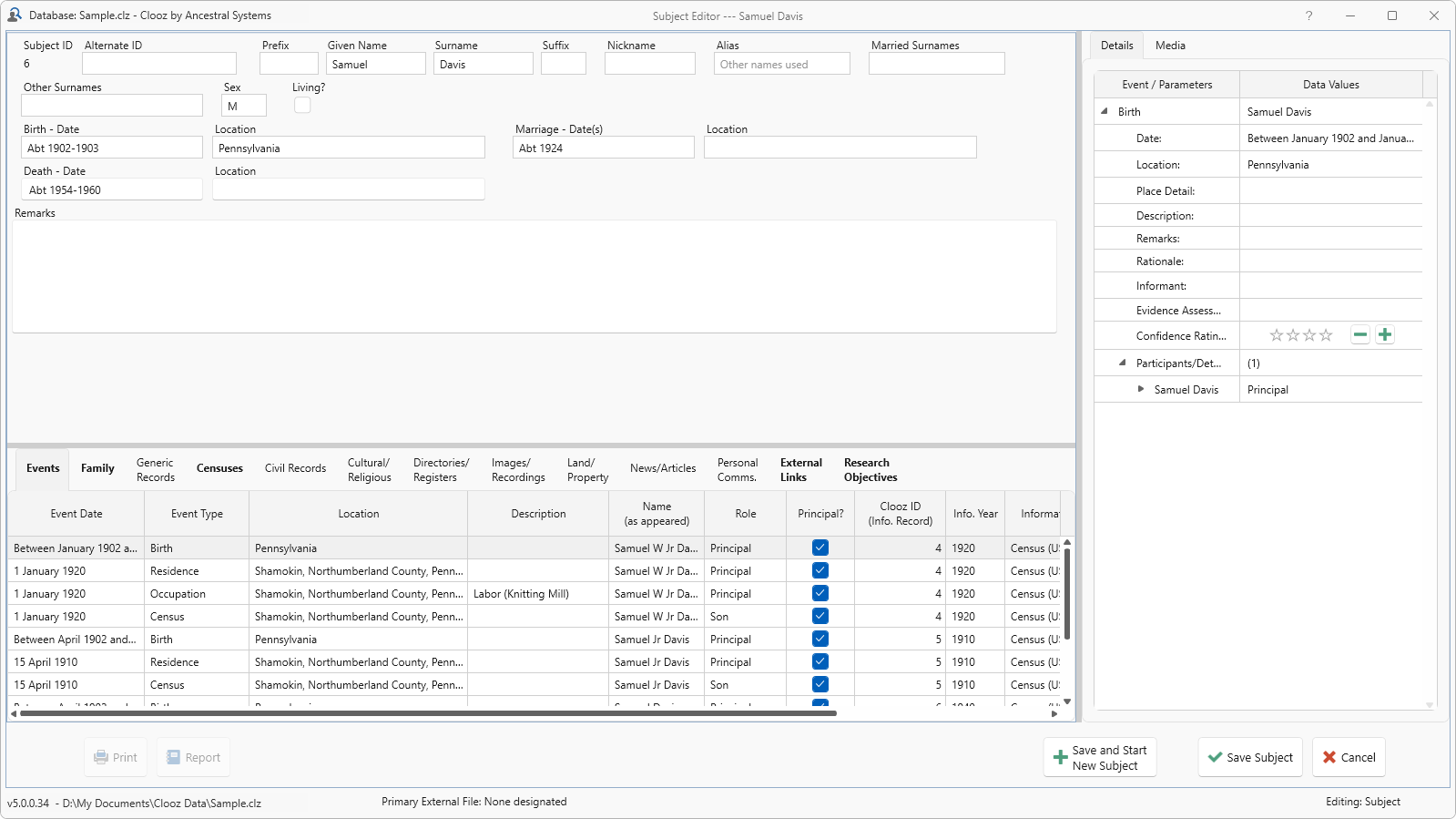
Merging Records
Two or more records of the same data type (Repositories A Repository is where a source document or item was found. This could be a physical library facility, an online data provider, or even your own personal files., Sources A Source record in Clooz should be viewed as the higher-level component of one or more source citations. Source citation details are usually included in the citing Information Record., Information, Subjects Subjects are the objects you are gathering information about such as people, buildings, ships, etc. In most cases within Clooz, the Subject will be a person. However, Clooz supports several other Subject types such as businesses, real estate/buildings, ships and artifacts.) and template type can be merged. All of the data from each will be combined, as well as any links to other records. If there are different values for the same field you will be requested to pick one.
To merge records:
-
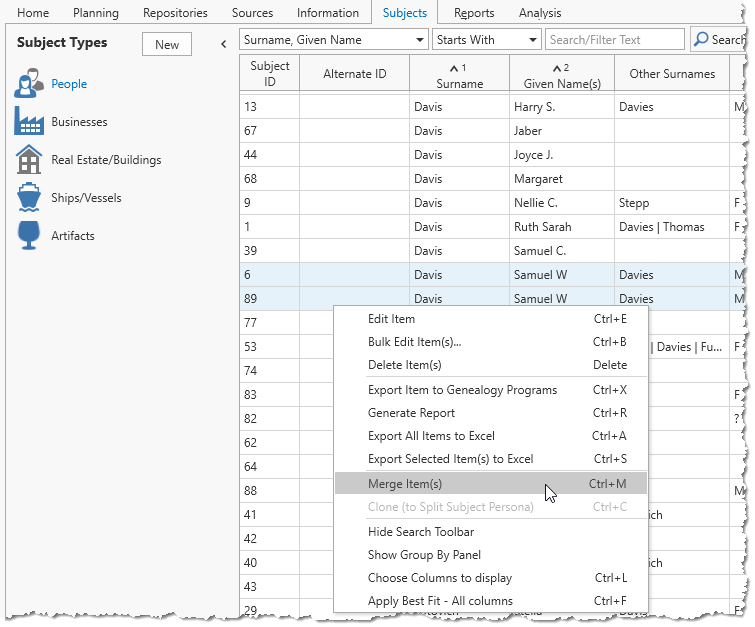 On the appropriate page of the main screen, select the records you want to merge (after clicking the initial row, Ctrl+Click the additional rows). At least two rows must be highlighted.
 -
Do one of the following to merge the records:
-
Select the record and press the Ctrl+M key, or
-
Right-click the highlight area and select Merge.
-
-
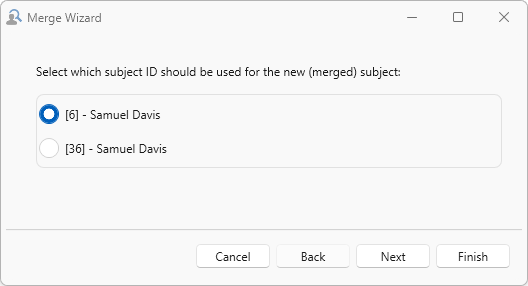 Select the record ID (of the selected records) to use for the newly merged data.
 -
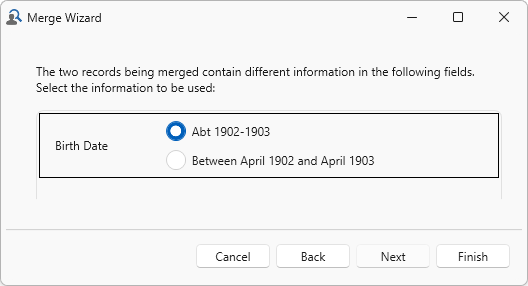 Resolve any conflicts that Clooz identifies (where the two records have different values for the same field).
 -
The newly merged data is presented in the editor for review.